CH Pro Throttle
2 095 kr
2 095 kr
Ons, 14 okt - tor, 15 okt
Säker betalning
14-dagars öppet köp
Säljs och levereras av
Produktbeskrivning
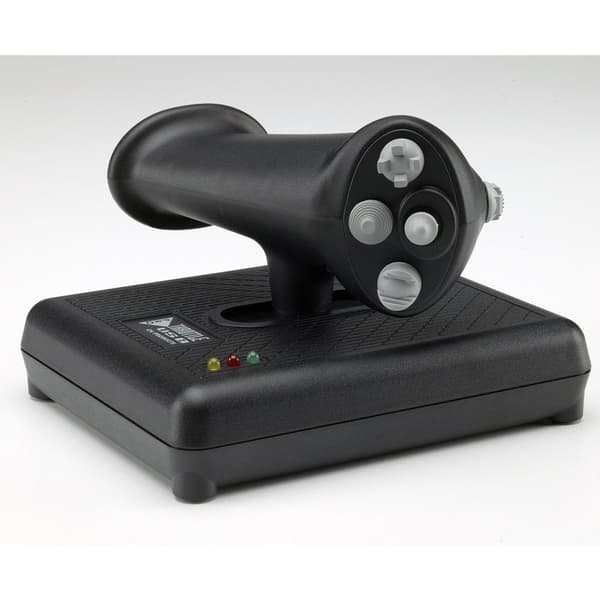
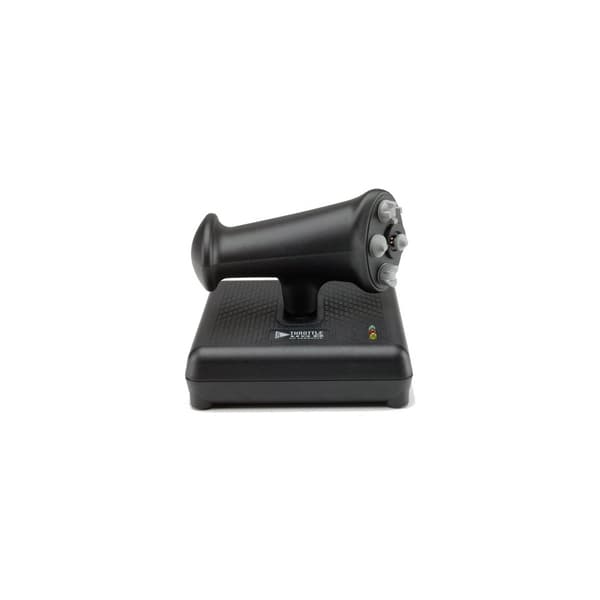
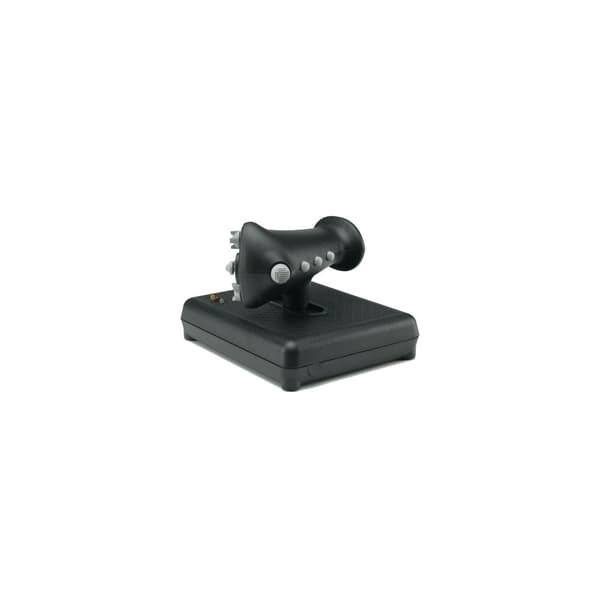
Ergonomic left handed jet styled slide throttle with 3 axis, 4 buttons, three 4-way hat switches and one 8-way hat switch for a total of 112 programmable functions (with Control Manager software) and two axis dedicated to the mini joystick for precision pointing or movement. Three separate programming modes accessed on the fly via mode button on handle and color LED's to indicate which mode is selected.
KEY FEATURES:
Three axis and 24 buttons
X and Y axis on miniature joystick and Z axis on accurate throttle sliding motion
3 Traditional push button, 1 mode switch button, 3 4-way directional hat and 1 8-way POV hat switch
Total of 176 programmable functions with Control Manager software (included)
Three color mode indicator LED's on base
Ergonomic left handed H.O.T.A.S. design with forward and back slide motion
Large, sturdy base with non-skid feet
Plug and Play driverless USB installation with 7 foot USB cable for both PC and Macintosh
Compatible with Windows 98, 2000, XP, Vista, 7, 8 and Mac OSX
Typical Applications
CONTROL MANAGER PC Software Download-
Version 4.xx
Download the current version of Control Manager Software here.
PLEASE NOTE: This software is programming software only. NOT DEVICE DRIVERS! If you are unsure if you need this software, do not install.
Introduction
The Control Manager software allows a user to program their CH USB devices. The CH Control Manager currently supports the following CH USB devices…
• Eclipse Yoke
• Multi Function Panel (MFP)
• Fighterstick
• Combatstick
• Flightstick Pro
• Flight Sim Yoke
• Pro Throttle
• Throttle Quadrant
• Pro Pedals
Limitations
The Control Manager is compatible with Windows 98, ME, 2000, XP, XP 64bit Edition, Windows Vista (all editions), as well as Windows 7 (all editions). It is only compatible with CH USB devices.
Installation Instructions
VERY IMPORTANT !!!
Before installing the newest version of Control Manager, be sure to uninstall any previous versions from your computer. Also, be sure that any anti-virus software is disabled.
How do I install the Control Manager?
Select your version of Windows from the drop down menu and click on the "DOWNLOAD" button to begin downloading the CH Control Manager.
• Windows 98 and ME users must disconnect all CH USB devices before installing the Control Manager.
• Windows 2000, XP, Vista, and Windows 7 users must connect all CH USB controllers before installing the Control Manager. MFP owners must install the CH Control Manager BEFORE connecting the MFP.
Once the download is completed, double click on the "setup" icon to begin installation of the Control Manager.
Artikel.nr.
27bc4abc-7513-5f37-9eeb-3b4e0043bc90
CH Pro Throttle
2 095 kr
2 095 kr
Ons, 14 okt - tor, 15 okt
Säker betalning
14-dagars öppet köp
Säljs och levereras av